Open in Safari
Go to syncly-family-flow.com in Safari.
 SynclyOne
Family hub for school, sports and activities
SynclyOne puts school, sports, tournaments, and family activities in one shared place, so the mental load is not all yours.
No credit card required. Free plan stays free.
Cancel anytime. 30-day money-back guarantee on Premium.
Tips and stories on keeping family schedules in one place.

Learn how to prevent missed activities with one shared plan, clear ownership, timely reminders, and a simple weekly routine for families and teams daily.

Compare the best attendance tracking tools for families, schools, and teams, and choose a simple system that keeps every schedule visible and current daily.

Shared planner vs paper calendar: compare visibility, reminders, access, and flexibility to choose a system that keeps your family or team aligned daily.

Compare the best apps for school communication, from classroom updates to family schedules, and choose a system that reduces missed messages and events.

Scheduling privacy helps families and teams share the details people need while keeping personal appointments, locations, and notes under daily control.

Learn how to coordinate household responsibilities with shared ownership, clear schedules, and practical routines that reduce daily stress for everyone.

Learn how to manage school deadlines with a shared plan that keeps assignments, forms, events, and family responsibilities visible and on track each week.

Centralized scheduling for families brings school events, practices, appointments, and shared responsibilities into one clear plan everyone can use daily.

How secure are scheduling apps? Learn what protects shared calendars, where privacy risks arise, and how families can choose safer coordination tools.

Shared calendar versus group chat: see which tool keeps family, school, and team plans visible, reduces missed updates, and lowers coordination stress.

Calendar privacy settings help families and teams share the right schedule details, protect personal information, and reduce coordination confusion daily.

Find the best tools for household logistics, from shared calendars to task lists, and build a reliable system for school, work, and team plans each week.

Are shared family calendars private? Learn what others can see, how permissions work, and how to protect personal details while coordinating schedules.

Learn how to solve family schedule conflicts with a shared planning system, clear priorities, timely updates, and practical routines that reduce stress.

A school field trip organizer app keeps permissions, schedules, contacts, and volunteer details visible so families and staff can act with confidence.

Build a family calendar for shift workers that keeps school events, child care plans, meals, and handoffs visible when work hours keep changing each week.

Build a family medical appointment calendar that keeps care plans, reminders, transportation, and follow-ups visible to every caregiver who needs them.

A shared calendar for caregivers keeps appointments, school events, routines, and handoffs visible, so families and care teams can plan daily with confidence.

Download a carpool schedule app that gives every driver, parent, and rider one clear view of pickups, changes, school events, and shared responsibilities.
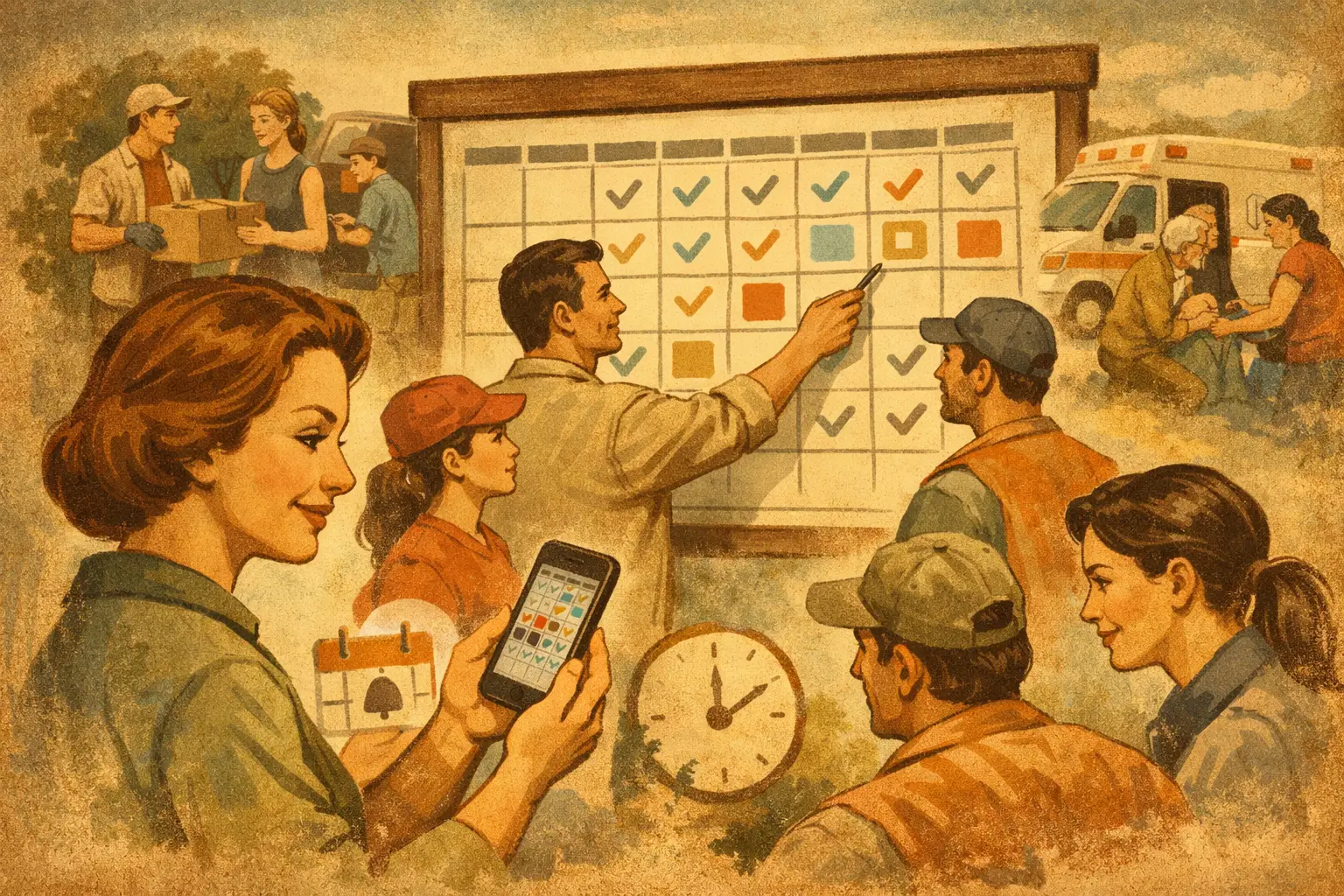
A volunteer shift calendar app gives families, coaches, and community organizers one clear view of coverage, changes, reminders, and shared responsibilities.

A sports practice scheduler keeps coaches, parents, and players aligned with clear times, locations, reminders, and fewer last-minute conflicts each week.

A group activity planner brings schedules, assignments, updates, and reminders into one clear view for busy families, teams, schools, and organizers daily.

An extracurricular activity planner gives families and teams one clear view of practices, school events, rides, deadlines, and changing schedules daily.
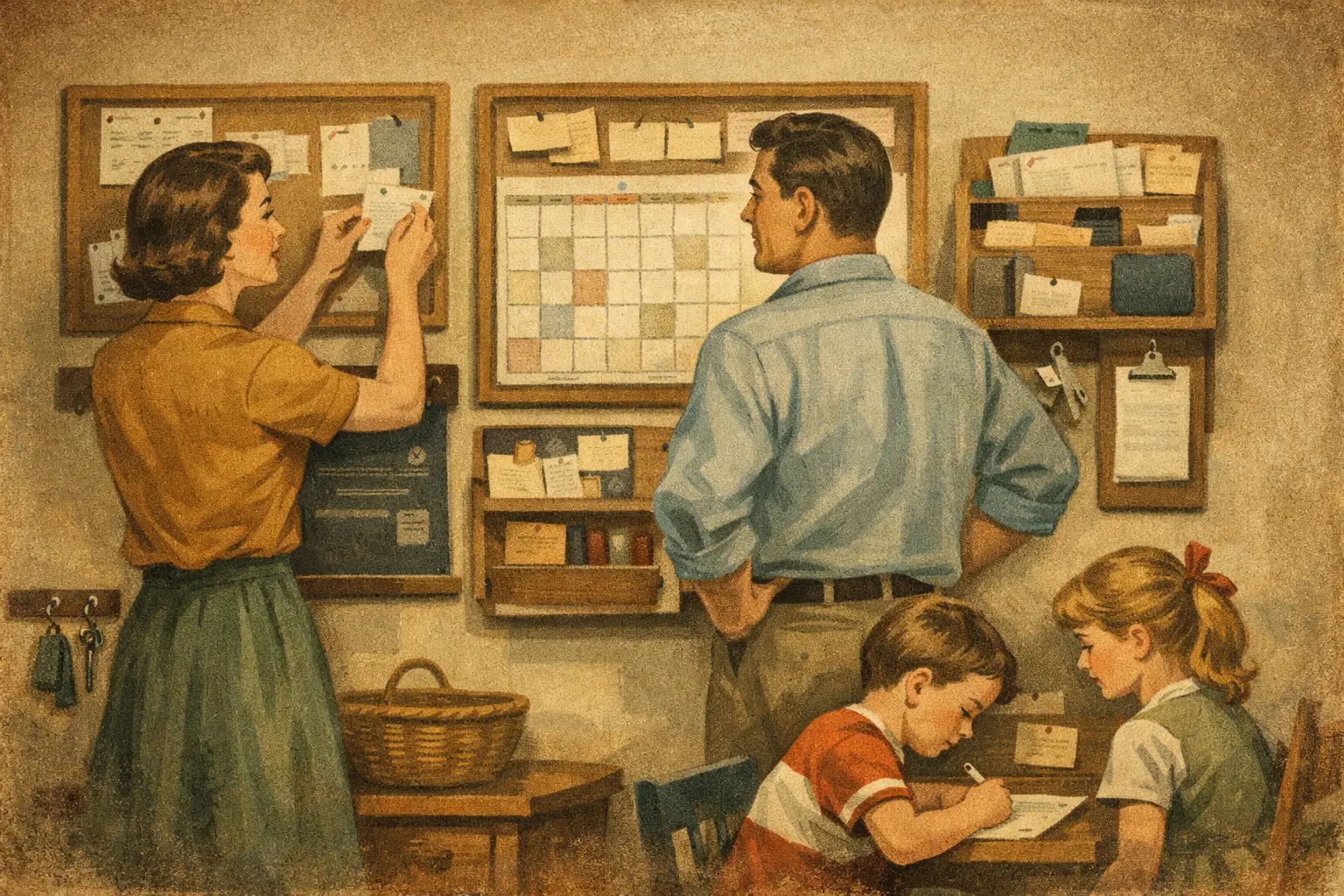
Build a family command center for calendars, school events, tasks, and team plans, so everyone knows what is next without daily confusion.

A co parenting calendar gives each household one clear view of school, activities, exchanges, and appointments so fewer details get missed every week.

Build a school event calendar that keeps families, teachers, and teams aligned. Practical steps for fewer conflicts, missed notices, and last-minute stress.

Make team scheduling simpler with one shared view for practices, school events, shifts, and reminders, so fewer details get missed each week, all year.

Set up a family calendar that puts school events, practices, appointments, and household tasks in one clear view for everyone involved each week with ease.

No setup marathon. Add your kids, connect their teams and classrooms, and the schedule fills in.
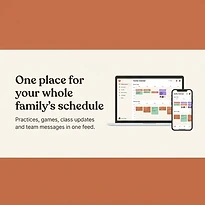
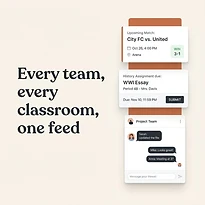
Each part of SynclyOne exists to take one recurring job off your plate.
Every practice, game, class event and appointment lands on one shared calendar that syncs with Google Calendar. Your partner sees the same thing you do.
Tournament schedules, brackets, scores and standings live next to the calendar entry, so you are not digging through a league website on a Saturday morning.
Class updates and assignment due dates for every kid show up in one list, not across three school portals and a newsletter.
Family, team, and classroom conversations stay in their own protected threads, so important updates do not disappear in a group text.
Invite your partner, a grandparent or a sitter. They see the schedule and the messages without you forwarding anything.
You choose what is shared with a team and what stays inside your family. Nothing about your kids is public by default.
Cozi covers the family calendar. TeamSnap covers the team. SynclyOne is for parents who need both.
| SynclyOne | Cozi | TeamSnap | |
|---|---|---|---|
| Entry price | Free, no credit card | No free plan ($39/year) | Free to start |
| Shared family calendar | Yes | Yes | Team schedule only |
| School assignments & class updates | Yes | No | No |
| Youth sports teams & tournaments | Yes, brackets and standings | No | Yes |
| Per-team and per-classroom threads | Yes | Limited | Yes |
| Paid plan | $4.99/month, cancel anytime | $39/year | Paid plans per team |
Competitor pricing as publicly listed at the time of writing; check their sites for current pricing.
Available on your Home Screen now
While the App Store and Google Play versions are being prepared, add the secure SynclyOne web app to your Home Screen for fast, one-tap access.
Use Safari for the best iPhone and iPad installation experience.
Go to syncly-family-flow.com in Safari.
Tap the Share button in the Safari toolbar.
Scroll through the Share menu and choose Add to Home Screen.
Keep the name SynclyOne, tap Add, then open it from your Home Screen.
Open your family hub directly from your Home Screen.
A focused, full-screen mobile experience without browser clutter.
Home Screen access uses the same protected SynclyOne account.
Updates arrive automatically—there is nothing to download again.
Add your kids, connect their teams and classrooms, and stop being the family calendar.
Start free, no credit cardFree plan stays free. Premium is $4.99/month, cancel anytime.