A family command center is not another place to collect information. It is the place your household checks when a practice time changes, a school form is due, or two people need the same ride. Done well, it replaces the daily search through text threads, paper notes, email alerts, and separate calendars with one shared view of what needs attention.
For busy parents, caregivers, coaches, and group organizers, the goal is not to schedule every minute. The goal is to make responsibilities visible early enough that people can act on them. That shift reduces missed commitments, last-minute questions, and the pressure of being the one person expected to remember everything.
What a Family Command Center Should Do
A useful command center gives the right people a clear answer to a few recurring questions: What is happening today? What is coming up this week? Who is responsible? What needs to be completed before the event arrives?
It should bring together the commitments that affect the household, including school dates, appointments, work-related schedule constraints, practices, games, carpools, meals, household tasks, and group activities. The information does not need to be complicated. It does need to be current, easy to find, and shared with the people who depend on it.
The biggest benefit is shared visibility. When one parent receives an email from school but the other parent handles pickup, the schedule should not depend on someone remembering to forward a message at the right moment. When a coach moves practice because of weather, families need an update that is visible beyond one chat thread.
A command center also creates a practical boundary around the mental load. The person who notices a deadline can add it to the system. The person assigned to the task can see it. Responsibility becomes clearer without turning family life into a complicated project plan.
Start With the Commitments That Create Friction
Do not begin by trying to organize every document, meal idea, and household preference. Start with the items most likely to cause disruption when they are missed. For many households, that means school calendars, activity schedules, medical appointments, transportation plans, and recurring chores.
Look back over the previous two weeks. Which details required repeated reminders? Which events were nearly missed? Where did family members make different assumptions about time, location, or responsibility? Those patterns show what belongs in your command center first.
A school event, for example, needs more than a date. Add the start and end time, location, required materials, and the adult responsible for transportation. A team practice may need the same information, plus whether a uniform, fee, or RSVP is required. The extra context prevents a calendar entry from becoming another vague reminder that someone still has to interpret.
Keep categories simple. Most families can work with a small set such as School, Activities, Appointments, Home, and Team. Categories help people scan quickly, but too many of them create inconsistency. If one person labels an event “Sports,” another labels it “Soccer,” and a third labels it “Weekend,” the system becomes harder to trust.
Choose One Shared Home for the Plan
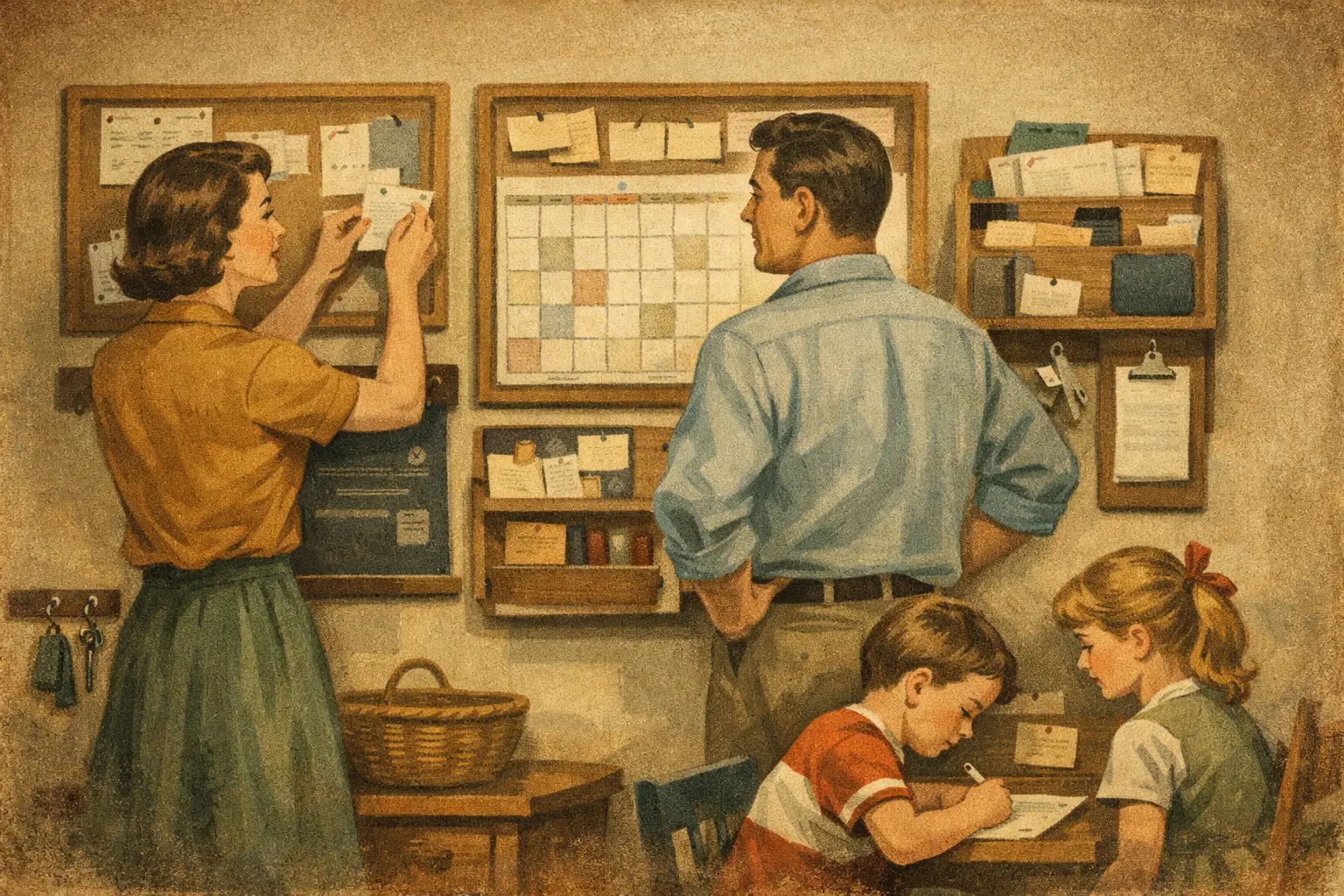
A wall calendar can be helpful in a high-traffic area, especially for younger children. It is visible, familiar, and easy to discuss at breakfast. Its limits show up when schedules change outside the house, adults are away, or details need to be updated quickly.
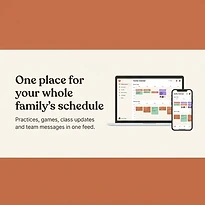
A digital family command center is better suited to households managing changing school, team, and work schedules. It can give each person access from their own device while keeping everyone connected to the same current plan. It is also more practical for organizers who need to coordinate a group rather than a single household.
The best choice depends on who needs to use it. A family with young children may benefit from a simple visual display at home plus a shared digital system for adults. A team organizer may need a digital-first approach because participants and parents are in different locations. The key is to avoid maintaining two systems with conflicting information. If you use both paper and digital tools, decide which one is the source of truth.
SynclyOne is designed around this shared-control-center approach, bringing family administration, school commitments, and team activities into one organized system rather than separating them across disconnected tools.
Give Every Item an Owner
Many scheduling problems are not actually calendar problems. They are ownership problems. Everyone knows the dentist appointment is Friday, but nobody knows who is leaving work early, who is picking up a sibling, or who has the insurance card.
For anything that requires action, assign an owner. This does not mean one adult must manage every detail. It means the system should show who will complete the next step. A child can be responsible for packing sports equipment. One caregiver can handle pickup. Another can submit the school form. Clear ownership makes follow-through easier and gives older children a realistic way to participate.
Be specific about what “done” means. “Handle science fair” is too broad to be useful. “Buy display board by Tuesday” and “take project to school Thursday morning” are clear actions. Breaking a large responsibility into visible steps reduces the chance that it becomes urgent the night before.
Build a Weekly Check-In That Takes 10 Minutes
A command center works because it becomes part of the household rhythm. A short weekly check-in is usually more effective than constant messages throughout the week. Choose a time that is realistic, such as Sunday evening, Monday morning, or the first quiet window after dinner.
Review the next seven to 14 days together. Confirm transportation, time-sensitive school tasks, activity requirements, appointments, and conflicts. Ask one useful question: “What could make this week harder if we do not address it now?” The answer may be a missing uniform, an overlapping pickup time, or a deadline that has not been assigned.
This is also the right time to remove outdated items. An overloaded calendar is not a sign of good organization. If completed tasks and old events remain visible, people stop noticing what matters. A command center should make the next action clearer, not create more noise.
Set Notification Rules Before Alerts Take Over
Notifications are helpful when they prompt action. They become counterproductive when every event creates multiple alerts for every person. The result is predictable: people mute notifications, then miss the one update that mattered.
Use reminders based on the type of commitment. A routine practice may only need a day-before alert. A school payment or medical appointment may need a reminder several days ahead and another on the morning of the event. Assign notifications to the people who need to act, rather than sending every alert to the entire household.
For schedule changes, create one rule everyone understands: the command center is updated first. A text message can still be useful for urgent changes, but it should point people back to the shared plan. That keeps temporary messages from becoming the only record of an important update.
Make It Easy Enough to Keep Using
The most organized setup is not always the most useful one. If adding an event requires too many fields, if family members cannot find their own schedules, or if only one person knows how the system works, adoption will fade quickly.
Use clear event names, consistent categories, and plain language. “Maya - dentist - 3:30 PM” is easier to understand than “Appointment.” Include the details people regularly ask for, but do not add information just because it is available. A command center earns trust when it is accurate and simple to scan.
Give the system a short trial period. After two weeks, ask what was missing, what created confusion, and what nobody used. Adjust the structure based on real household behavior rather than trying to force a perfect setup from day one.
A family command center should feel less like another responsibility and more like a reliable place to pause, check the plan, and move forward with confidence. When everyone can see what is next and who owns it, the household has more room for the moments that do not fit on a calendar.