A shared planner vs paper calendar decision usually comes up after a preventable problem: a practice was written on the kitchen calendar, a school deadline lived in an email, and one parent assumed the other had it covered. The issue is rarely that a household or team does not have a calendar. It is that the people who need the information cannot reliably see the same version of it.
Paper calendars still have a place. They are familiar, visible, and satisfying to update. But when several people, activities, and responsibilities need coordination, a shared digital planner can reduce the follow-up messages and mental tracking that fill the gaps between plans.
Shared Planner vs Paper Calendar: The Core Difference
A paper calendar is a physical reference point. It works best when it stays in one consistent location and one person is responsible for keeping it current. A shared planner is a live coordination system that multiple people can access, update, and check from their own devices.
That difference matters when schedules change. A rainout, an appointment reschedule, a teacher conference, or an extra team practice can turn a neatly written month into outdated information. On paper, someone must erase, rewrite, and make sure every affected person sees the change. In a shared planner, the update can be visible to the entire group as soon as it is entered.
The better choice depends on how much coordination your schedule requires. A couple with predictable routines may do well with a paper calendar. A family managing multiple schools, caregivers, activities, and work schedules usually needs more than one fixed page on the wall.
Where Paper Calendars Work Well
Paper calendars are simple by design. There is no login, no app setup, and no concern about a dead phone battery. A large monthly view can make the rhythm of a household easy to see at a glance, especially for young children who are learning what is coming up.
They can also create a useful routine. Writing down a birthday party or game night can make the plan feel more concrete. Some families enjoy reviewing the month together at the counter or kitchen table. For a small household with few schedule changes, that routine may be enough.
The limitation is that visibility is tied to location. The calendar is helpful at home, but less helpful in the school pickup line, at a doctor’s office, or when a coach asks whether a player is available next Saturday. It also does not automatically clarify who is responsible for transportation, supplies, payment, or follow-up.
A paper calendar can remain a helpful household display even when it is not the primary source of truth. The trouble starts when it becomes one of several separate systems that people must remember to check.
Why Shared Planners Reduce Coordination Work
A shared planner gives every approved person access to the same schedule without requiring everyone to be in the same room. Parents, caregivers, older children, coaches, and group leaders can check commitments when they need them. This is particularly useful when responsibility is distributed across more than one adult.
The strongest benefit is not simply storing dates. It is reducing uncertainty. Instead of asking, “Did you put that on the calendar?” or “Who is taking her to practice?” people can see the plan, the timing, and the related details in one place.
Live updates prevent stale information
Schedules are rarely final. School events move, meetings run long, and games are postponed. With a shared planner, an update does not depend on someone remembering to copy the change onto a wall calendar or send a separate group text.
That does not mean every notification should interrupt every person. Good coordination requires restraint. People should receive useful reminders for the events and responsibilities that affect them, not a constant stream of alerts that they begin to ignore.
Shared access supports real handoffs
A schedule is only part of the job. Families and teams also manage who is bringing snacks, completing forms, picking someone up, or preparing for an event. These handoffs are where fragmented tools create extra work.
A shared system makes it easier to place schedule details alongside the responsibility connected to them. When the information is clear, fewer tasks remain in one person’s head. That can make a meaningful difference for the household manager or organizer who usually acts as the default reminder service.
Mobile access fits the moments plans change
Most conflicts are discovered away from the wall calendar. Someone agrees to an event while at school, work, or practice. Someone else checks availability from a parking lot. A shared planner meets people where those decisions happen.
That accessibility is valuable, but it requires a simple system. If an app is difficult to use, group members may stop updating it and return to texting each other. The best shared planner is one people can check and update quickly enough that it becomes part of their normal routine.
The Trade-Offs to Consider
A shared planner is not automatically better because it is digital. It needs participation. If only one person adds information and no one else checks it, the system will not solve the visibility problem. Establish a clear expectation: the planner is where confirmed commitments go, and each person checks it before making new plans.
Paper calendars have their own participation challenge. They rely on someone being physically present to see updates. They are also easy to overlook when the day becomes busy or when family members spend time in different places.
Privacy matters as well. A shared planner should allow appropriate access for the people involved without making every personal detail available to every group member. A caregiver may need pickup times and school events, for example, but not private appointment notes. The goal is shared visibility with sensible boundaries.
Cost can be another factor. A paper calendar has a small one-time price, while digital planning tools may use subscriptions. The practical question is whether the tool saves enough missed-event stress, duplicate communication, and coordination time to justify that cost. For complex schedules, it often can.
A Practical Setup for Families and Teams
If you move from paper to a shared planner, start with the commitments that cause the most confusion. Add school dates, recurring practices, appointments, work constraints that affect coverage, and major household events. Do not try to recreate every detail of the past year on day one.
Next, agree on a few operating rules. Confirmed events go into the shared planner promptly. Schedule changes are updated there first. Responsibilities that affect another person are written down, not left in a text thread. Those small rules are more useful than a complicated color-coding system that nobody maintains.
For families with children, keep the view understandable. Use clear event names such as “Jordan - soccer practice” instead of vague labels. For teams and groups, include the location, arrival time, and any item participants need to bring. The goal is to answer common questions before they become messages.
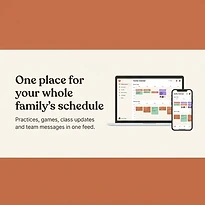
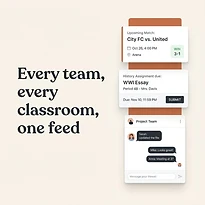
SynclyOne is designed for this kind of everyday coordination by bringing family administration, school commitments, and group activities into one organized hub. The value is not adding another place to check. It is replacing disconnected places with a dependable shared view.
When a Hybrid Approach Makes Sense
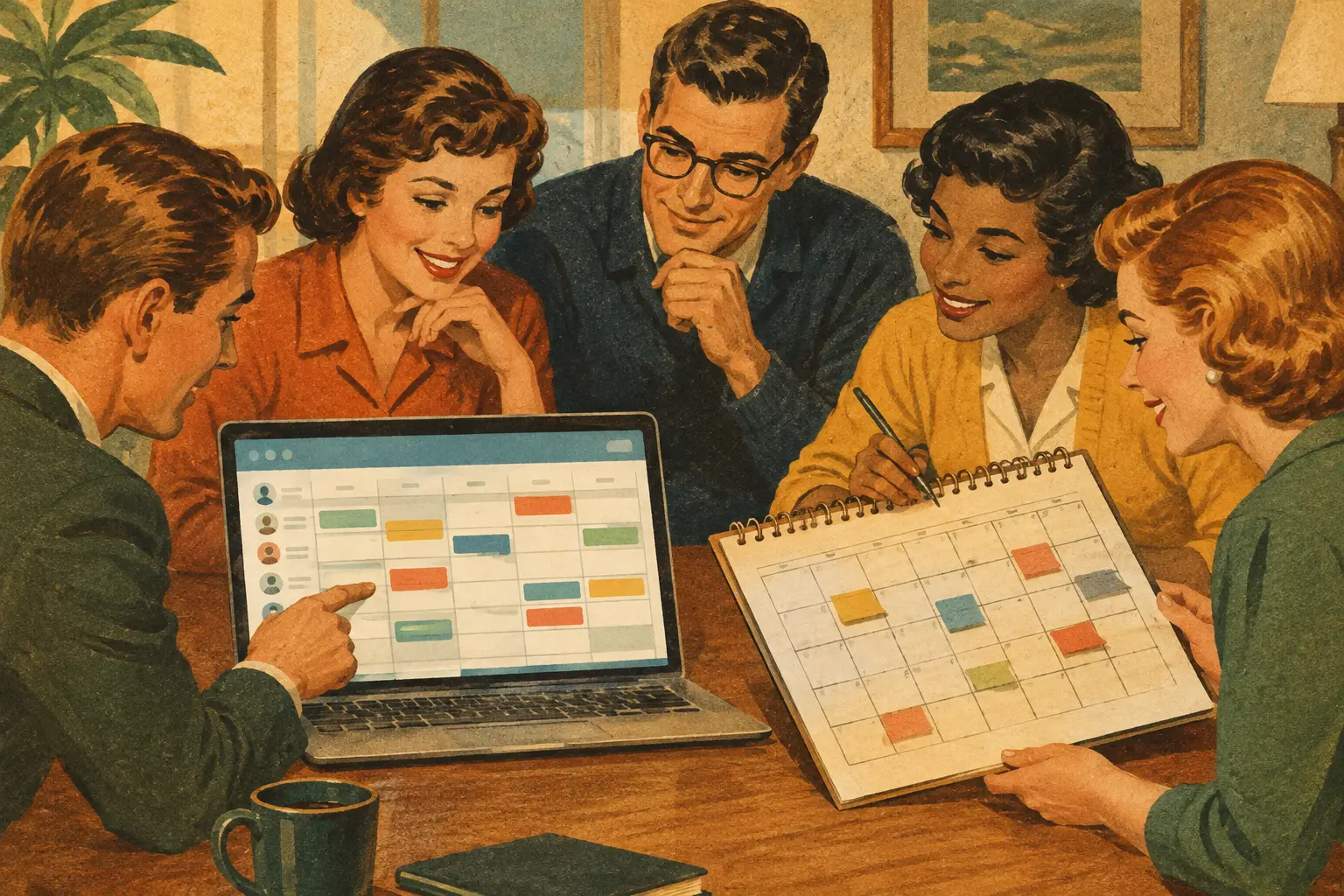
You do not have to choose one method forever. Many households use a shared planner as the source of truth and keep a paper monthly calendar in a common area for visibility. The paper version can show major events, while the digital planner holds the current details, reminders, and responsibilities.
This approach works well when children benefit from seeing the week ahead or when a family likes the ritual of a visible calendar. The key is to avoid maintaining two equal systems. Decide which one is authoritative when plans change. For most busy groups, that should be the shared planner because it can be updated from anywhere.
A calendar should make the next step clear, not create another thing to manage. Choose the format that your people will actually use consistently, then give it one job: keeping everyone who needs to know on the same page.